
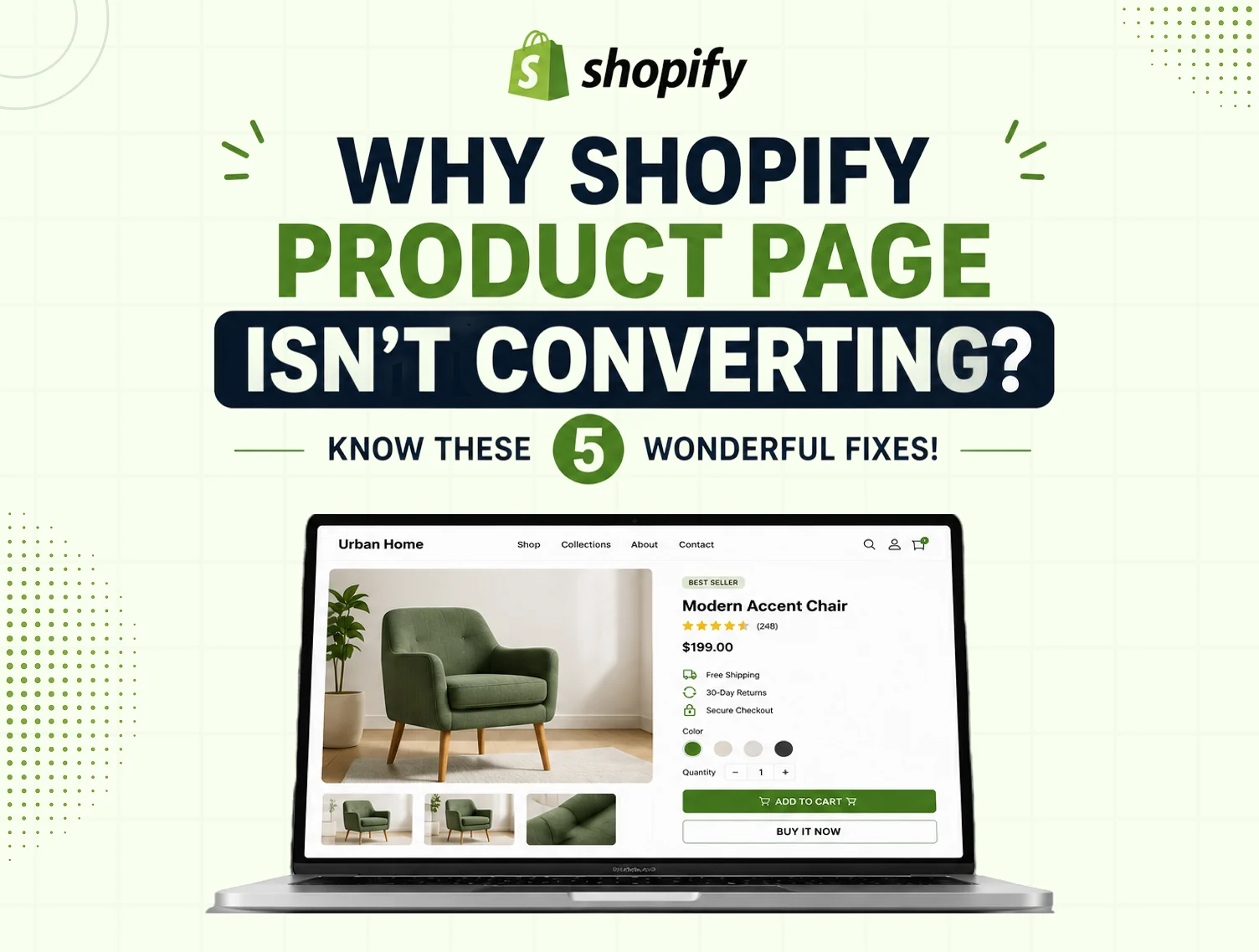
You’re running ads. You’re getting traffic. People are landing on your Shopify product page. But nobody’s hitting that big “Add to Cart.”
Sound familiar, right?
Here’s the hard truth: traffic without conversions is just expensive noise. The average Shopify conversion rate sits between 2%–3%. Top-performing stores consistently hit 4% and above. That gap isn’t luck, and it isn’t budget. It’s a handful of fixable mistakes that most store owners don’t even know they’re making.
In this blog, we walk you through 5 wonderful fixes for Shopify product page optimization — practical, proven, and actionable from day one.
Why Conversion From Shopify Product Page Matters?
Before we get into those fixes, shouldn’t we talk about why these conversions from the Shopify Product Page really matter?
Because you know, your product page is the single most important page in your entire store. It’s where intent meets decision. A visitor on your homepage is browsing. A visitor on your product page is considering buying. That’s a completely different mindset, and your page needs to meet them there.
Here’s what the numbers say:
- A 1-second delay in page load time reduces conversions by 7%
- 75% of online shoppers rely on product photos when deciding to purchase
- Pages with compelling product descriptions see up to 78% higher conversion rates
- 90% of buyers read reviews before making a purchase
These aren’t just small margins. Because every element of your product page, whether it’s images, copy, trust signals, speed, or even the call-to-action, exists so visitors can have a reason to stay, and not leave right away.
And for that reason, following Shopify product page optimization tips is highly crucial, because it simply isn’t just about making your page look shiny and prettier; rather, it’s about making it work harder for every single visitor that lands on it.
1. Your Product Images Aren’t Doing the Selling
When a shopper walks into a physical store, they pick up the product. They turn it over. They feel the weight of it. Online, your images have to do all of that work.
The problem
Here, the problem can be the low-quality, single-angle, or inconsistently sized images, because that’s the kill buzz, even before a shopper even starts reading a word of your description. One blurry photo sends the message that you don’t take your store seriously, and neither should they.
The fix
Use multiple high-resolution images that show your product from every meaningful angle. Add a lifestyle shot that puts the product in context, especially for fashion, home décor, or accessories. Include a zoom function so shoppers can inspect details up close. If you can, add a short product video, even 15 seconds, showing the product in use, which makes a dramatic difference.
For physical products, show scale. A bag next to a water bottle. A rug in an actual room. Shoppers need to visualise owning it, not just seeing it.
This is one of the most overlooked Shopify product page optimization tips, and one of the fastest wins available to any store.
2. Your Product Description Isn’t Written to Convert
Most product descriptions list features. Most buyers buy outcomes. If your copy reads like a manufacturer’s spec sheet, it isn’t selling anything — it’s just filling space.
The problem
Generic, feature-heavy descriptions don’t connect with the buyer emotionally. They don’t answer the real question every shopper has, which is — “What does this do for me?”
The fix
Lead with the benefit, not the feature. Your opening line should speak directly to the buyer’s pain point or desire. Follow it with scannable formatting, short paragraphs, bullet points for specs, and clear language that mirrors how your customer actually speaks.
A good structure looks like this:
- Line 1: Hook — the outcome or transformation this product delivers
- Lines 2–3: What it is and how it works
- Bullets: Key features and specs
- Final line: A subtle nudge toward action
This is a core Shopify product page optimization best practice that separates stores converting at 1% from those converting at 4%+. Shopify Magic can help you generate a first draft — but always refine it to match your brand voice. Generic AI copy without personalisation is still generic copy.
3. You’re Missing Trust Signals
First-time visitors don’t trust your store yet. That’s not an insult, it’s just the reality of ecommerce. They’ve never bought from you. They don’t know if you’ll deliver on time, if the product is what it looks like, or if returns are a nightmare.
The problem
No reviews, no badges, no visible return policy, and you’ve already lost them. Trust has to be built on the page itself, not assumed.
The fix
This is where your Shopify Product Page Optimization Guide should always start, with trust. Here’s what every converting product page needs:
- Customer reviews and star ratings are displayed directly on the product page, not buried or hidden behind a tab
- Trust badges, secure checkout, money-back guarantee, free returns, or “as seen in” press mentions
- Payment icons placed near the Add to Cart button, Visa, Mastercard, PayPal, UPI, whatever your audience uses
- Clear shipping and return policy, visible on the product page, not just in the footer
90% of buyers read reviews before purchasing. Stores with visible trust signals see up to 42% fewer cart abandonments. Trust isn’t a nice addition; it’s a conversion requirement.
4. Your Page Is Slow and Not Mobile-Friendly
Speed kills — or rather, the lack of it does. A slow product page doesn’t just frustrate shoppers. It actively costs you sales, rankings, and return visits.
The problem
A 1-second delay reduces conversions by 7%. 53% of mobile users abandon a page that takes longer than 3 seconds to load. And with 65%+ of Shopify traffic now coming from mobile devices, a page that looks broken on a phone is a page that simply doesn’t sell.
The fix
Use this as your Shopify product page optimization checklist for speed and mobile performance:
- Compress all product images without sacrificing quality; tools like TinyIMG or Shopify’s built-in compression work well
- Remove unused apps and third-party scripts that load on every page
- Test your product page on multiple mobile screen sizes, check button size, font readability, and image display
- Ensure your Add to Cart button is thumb-friendly and above the fold on mobile
- Run your page through Google PageSpeed Insights and action the top recommendations
Mobile optimization isn’t optional in 2026. It’s the baseline.
5. Your CTA Is Weak or Buried
You can have stunning images, a perfect description, strong reviews, and a fast page, and still lose the sale if your call-to-action doesn’t close the deal.
The problem
If your “Add to Cart” button blends into the page design, sits below the fold, or competes with three other buttons and two banners, shoppers won’t click it. Decision fatigue is real, and every extra element competing for attention reduces the chance of the action you actually want.
The fix
Your Add to Cart button should be the most visually dominant element on the page. Here’s what a high-converting CTA setup looks like, straight from Shopify product page optimization best practices:
- Colour: High contrast against your page background, if your theme is white, your button shouldn’t be light grey
- Position: Above the fold, always. Don’t make shoppers scroll to find it
- Size: Large enough to tap comfortably on a mobile without zooming
- Urgency: Where it’s genuine — “Only 4 left in stock” or “Ships today if ordered before 3 PM,” use it
- Sticky CTA: On mobile, a button that sticks as the shopper scrolls dramatically improves add-to-cart rates
- Reduce noise: Remove competing links, pop-ups, and banners that distract from the single action you want
A single, well-placed, high-contrast CTA can increase conversions by up to 30% compared to pages with multiple competing elements. Simplicity sells.
Conclusion
Your Shopify product page is doing one of two things: converting visitors into customers, or sending them to a competitor. There’s no middle ground.
So, if your page is doing the “sending them to a competitor,” then it’s high time to read these 5 fixes, because they simply don’t require a complete redesign or a developer on speed dial. Rather, they are targeted, testable, and every single one moves the needle.
- Fix one this week.
- Measure it.
- Then fix the next.
Because a Shopify product page optimization is not a one-time project, it’s an ongoing discipline. The stores winning in 2026 are the ones that treat their product pages as living, evolving assets, not a set-and-forget checkbox.
Need expert eyes on your Shopify store?
You should connect with team Dynamic Dreamz, because they have already helped 4,500+ Shopify stores improve performance, fix conversion leaks, & drive more sales. With them, you can make your store work harder for you.
FAQ
Why is my Shopify product page getting traffic but not converting?
The most common reasons behind getting traffic but not converting are not one, but many, because it can be poor product images, or descriptions not strong enough, because of which buyers don’t speak to buyer outcomes, missing trust signals like reviews and badges, slow page load times, and a CTA that doesn’t stand out. Each of these can be fixed independently without rebuilding your entire page.
What is a good conversion rate for a Shopify product page?
The average Shopify product page converts between 2%–3%. Top-performing stores consistently achieve 4% and above. If you’re below 2%, at least one of the 5 issues covered in this blog is likely affecting your results.
What are Shopify product page optimization best practices?
The core best practices are: high-quality multi-angle product images, benefit-driven descriptions, visible trust signals (reviews, badges, clear return policy), fast mobile-friendly page load, and a single dominant Add to Cart CTA. These five elements together form the foundation of a converting product page.
How do I make my Shopify product page load faster?
Start by compressing your product images, removing unused apps and scripts, and testing your page on Google PageSpeed Insights. On Shopify, switching to a lightweight theme and reducing third-party app load can dramatically cut your page load time.
How often should I update my Shopify product page?
There’s no fixed rule, but a good practice is to review your product pages every quarter. Check if images still look sharp, descriptions still reflect your current brand voice, reviews are being displayed, and page speed hasn’t dropped due to newly added apps or scripts. If you’re running seasonal promotions or launching new variants, update the page ahead of time — don’t wait for conversions to drop before you revisit it.